 Python
 OpenCVTkinterPillow
Advanced Image Filter Studio
A desktop studio for turning image-processing algorithms into visible, creative results. Load an image, apply filters or artistic effects, adjust the result, then save it.
Git repo ↗The Story
The algorithms behind this app weren't learned from a Python tutorial — they were learned in Dr. Ahsan Ansari's image processing labs, where every exercise was taught and implemented entirely in MATLAB. Working through convolutions, edge detection, color-space transforms, and morphological operations in that environment built a solid conceptual foundation: what a Gaussian kernel actually does, why unsharp masking works, how a pencil sketch is just a dodge-blended grayscale inversion.
The challenge was translation. MATLAB is a matrix-first language with image processing built into its DNA; Python requires assembling the same pipeline from OpenCV, Pillow, and NumPy. Recreating each filter in Python meant re-deriving the math, not just porting syntax — and in the process, understanding it more deeply than the original labs alone would have allowed.
Once the filters worked, the last mile was presentation. Rather than shipping a script, I vibe coded the desktop app — using an AI-assisted workflow to build out the Tkinter interface, wire up the controls, and iterate quickly on the UX. The result is a tool that feels like a studio, not a homework submission.
The Build
- Python — core language
- OpenCV — filtering, edge detection, and artistic effects (including the
xphotomodule for oil painting) - Pillow — image loading, adjustments, and saving
- Tkinter — desktop GUI
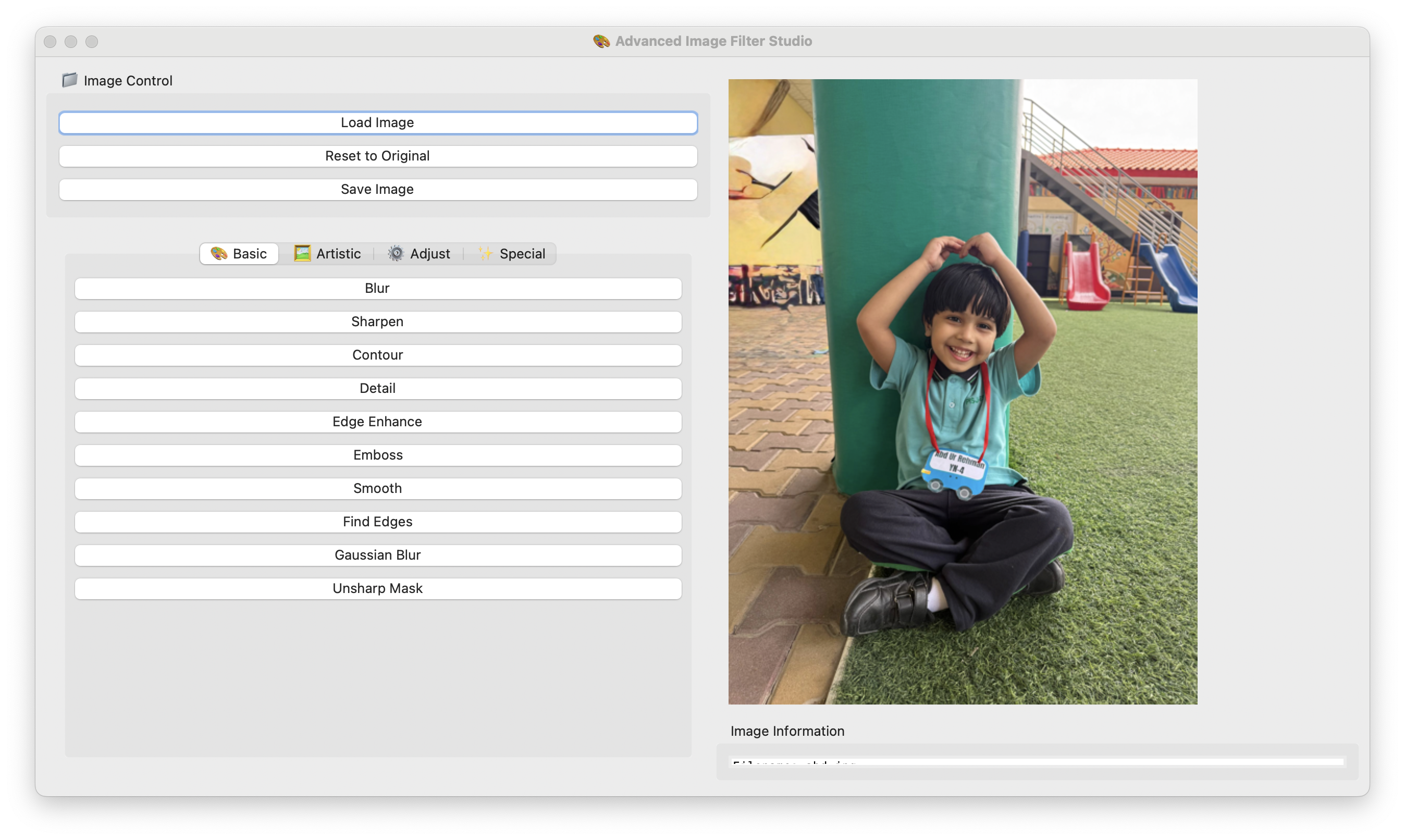
30+ filters across four categories
- Basic
- Blur, Sharpen, Contour, Detail, Edge Enhance, Emboss, Smooth, Find Edges, Gaussian Blur, Unsharp Mask
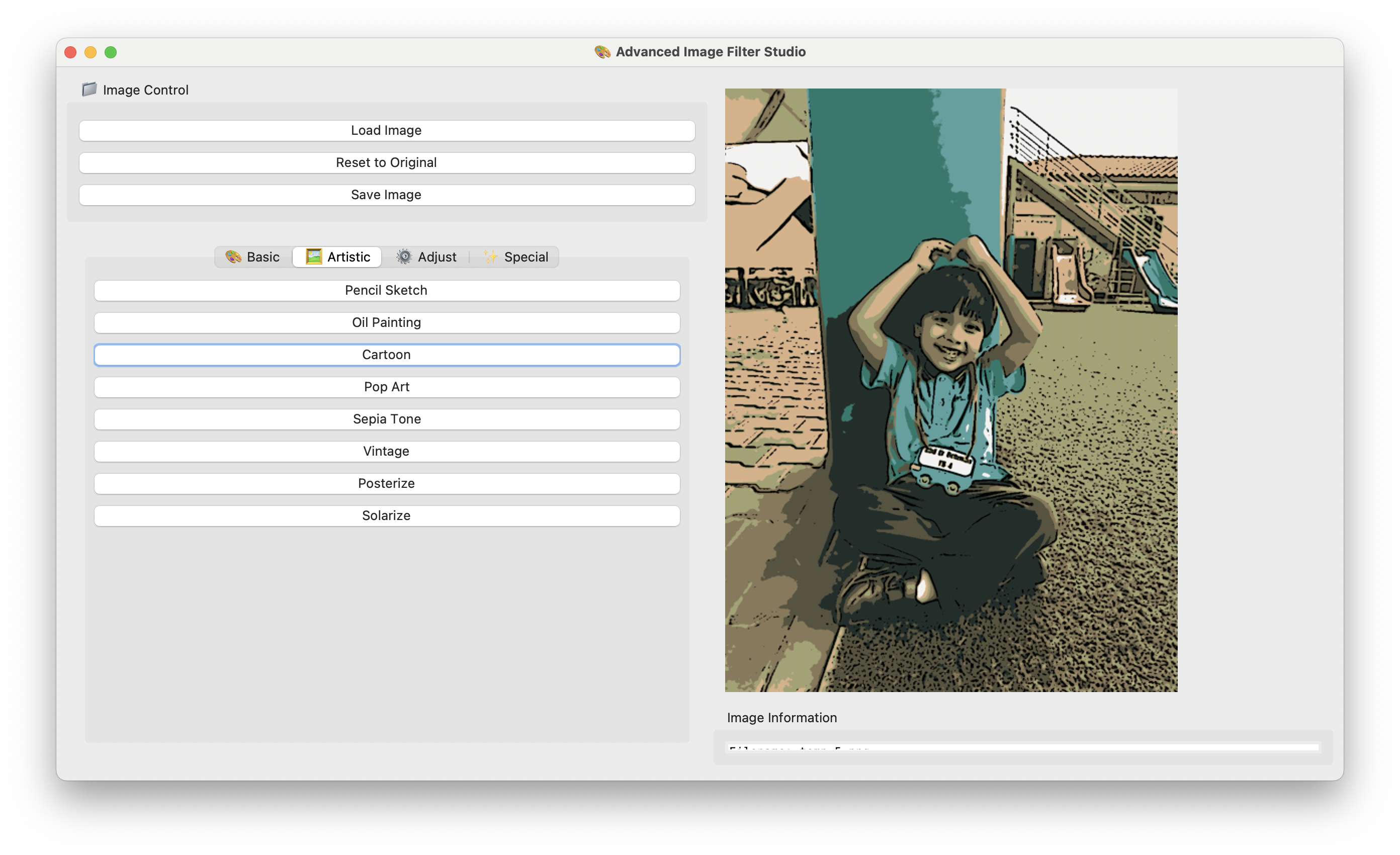
- Artistic
- Pencil Sketch, Oil Painting, Cartoon, Pop Art, Sepia, Vintage, Posterize, Solarize
- Adjustments
- Brightness, Contrast, Saturation, Sharpness (each with live ranges)
- Special
- Invert, Mirror, Flip Vertical, Vignette, Grayscale
Batch processing lets filters stack sequentially for compound effects.
What I Took Away
- Language is not the concept. Knowing the algorithm in MATLAB meant I could rebuild it anywhere — but only because I understood why it worked, not just that it did.
- Porting is a form of learning. Every filter I moved to Python forced me to confront assumptions the MATLAB toolboxes had been quietly handling.
- AI-assisted development is a multiplier, not a replacement. The image processing logic is mine; the interface scaffolding was accelerated. That division let me spend my time where the actual expertise was.